Starvard University · Cloud Computing
Where the internet lives and why companies pay for it. The cloud runs almost everything online, and understanding it opens real careers.

The whole course in brief
The twelve lessons
Lesson 1
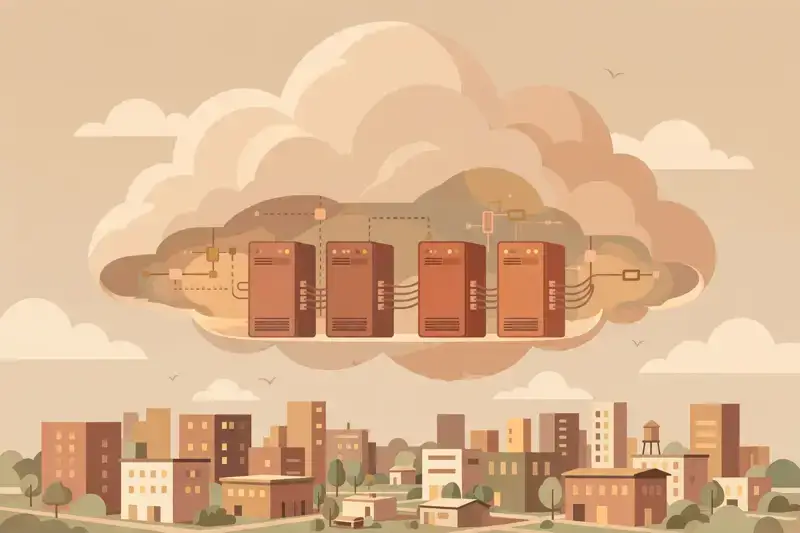
There is no cloud. There are just enormous buildings full of computers, owned by Amazon, Microsoft, and Google, that rent you slices of computing over the internet. When your photos "go to the cloud," they go to a hard drive in one of those buildings. The magic is not where it lives. The magic is that you can rent exactly as much as you need, for exactly as long as you need it.
Before the cloud, launching a website meant buying a physical server, finding a place to plug it in, and hoping you guessed right about capacity. Too small and you crashed on launch day. Too big and you paid for idle machines. The cloud turned computing into a utility: turn the tap, pay the meter.
Almost everything you use daily runs on it: streaming, social media, banking apps, your email. Understanding the cloud is understanding where the modern internet physically lives.
Lesson 2
Owning servers means capital expense: big money up front for machines that lose value the day you buy them. Then the ongoing costs: power, cooling, physical security, replacement parts, and engineers to babysit it all. Renting converts all of that into one operational bill that scales with actual use.
The killer feature is elasticity. A retailer needs ten times the capacity on Black Friday and normal capacity the other 364 days. Owned servers mean buying for the peak and wasting the rest. Cloud servers mean renting the peak for a day. Startups get the same superpower: launch on rented infrastructure that grows with success instead of betting the company on hardware.
Lesson 3
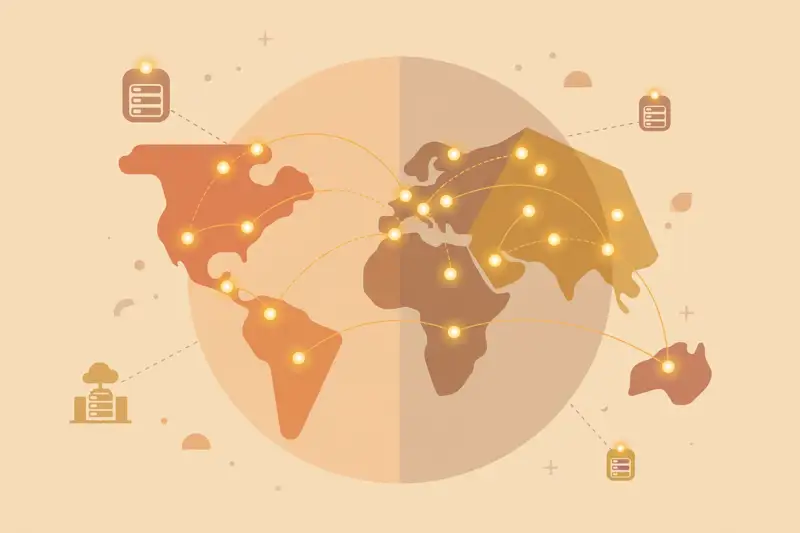
Cloud providers divide the world into regions, each a cluster of data centers in one geographic area. You choose where your app lives. Pick the region nearest your users and pages load faster, because data travels at the speed of light and distance still matters.
Regions also matter for law. Some data must stay inside certain countries, and regions let companies comply. Smart setups run in multiple regions so that if one has an outage, traffic shifts to another. The internet staying up during disasters is largely this design working as intended.
For your first projects, just pick the closest region and move on. The geography lesson matters when you have users on multiple continents or regulators asking questions. Until then, proximity is the whole decision.
Lesson 4
Cloud storage is a bottomless hard drive you rent by the gigabyte. Upload photos, videos, backups, website files: they sit in vast replicated systems that keep multiple copies across facilities, so a dead drive never loses your data. It is the most boring cloud service and the one nearly every app uses.
The pricing has tiers: instant-access storage costs more, archive storage for stuff you rarely touch costs almost nothing. Smart companies automatically move old data to cheaper tiers. Your phone's photo backup quietly does exactly this.
For builders, storage plus a public URL is also the simplest website hosting in existence. Upload your HTML files, flip a switch, and your site is live worldwide. Many production sites run exactly this way.
Lesson 5
Compute means virtual servers: slices of a physical machine that behave like your own computer in a data center. You pick the size, install what you need, and pay while it runs. Need more power for a launch? Resize in minutes instead of ordering hardware.
Lesson 6
Every app needs to remember things: users, orders, posts, settings. Databases are the organized memory of the cloud, and running them yourself is famously painful: backups, replication, failover at 3am. Managed cloud databases handle all of that for a monthly fee, which is why almost nobody self-hosts databases anymore.
Two flavors dominate. Relational databases (like Postgres) store neat tables with strict rules, perfect for orders and accounts where correctness matters. NoSQL databases store flexible documents and scale massively, great for feeds and catalogs. Most real systems use both, each where it fits.
The beginner lesson: you rarely need to choose deeply at first. Managed Postgres handles an enormous range of apps. Learn one well. The exotic options can wait until you have the problem they solve.
Lesson 7
Cloud pricing is pay-as-you-go: pennies per hour of server time, cents per gigabyte stored, fractions of a cent per request. At small scale it is nearly free, which is why free tiers can host real projects. At large scale it is one of the biggest line items in a company's budget.
The danger is the meter running unattended. Forgotten test servers, oversized databases, and data transfer fees surprise teams every month. The horror stories of five-figure surprise bills are real and always preventable: set billing alerts on day one, tag resources by project, and shut down what you are not using.
Learn to read the bill early. Cost awareness is a genuine career skill in cloud work. The engineer who ships features cheaply is worth more than the one who ships expensively.
Lesson 8
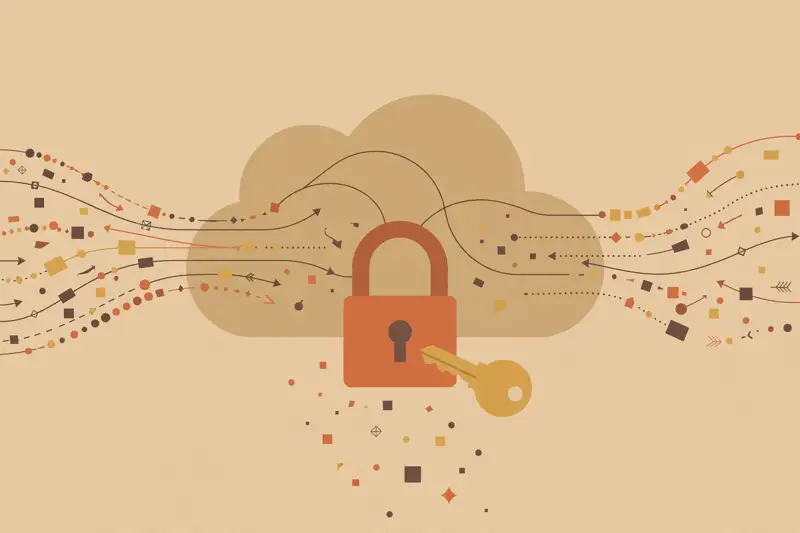
Cloud security is split: the provider secures the physical buildings, the network hardware, and the virtualization layer. You secure everything you put on top: your code, your data, your access keys, your configuration. Most cloud breaches are the customer's side of this line, usually a misconfigured storage bucket left public.
Lesson 9
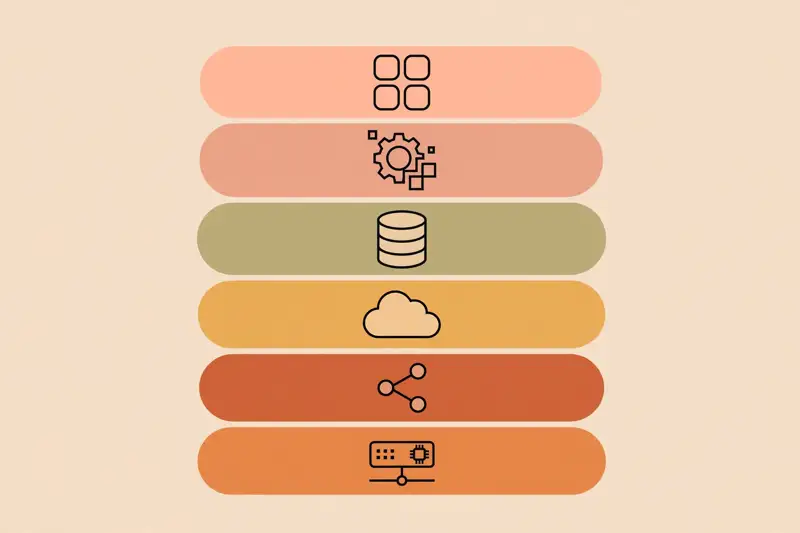
Three companies dominate: Amazon Web Services (the biggest, with the most services), Microsoft Azure (strong in enterprises that already live on Microsoft), and Google Cloud (beloved for data and engineering elegance). Underneath, they all sell the same primitives: compute, storage, databases, networking.
Learn one deeply and the others translate. The concepts, regions, virtual servers, managed databases, are 90% identical. Only the names and buttons differ. Employers care that you understand cloud architecture, not which logo you clicked.
Pick based on your goal: AWS for maximum job listings, Azure if you aim at corporate IT, Google Cloud if data excites you. Then stop debating and build. The second cloud takes a weekend once you know the first.
Lesson 10
Serverless is the cloud's most beginner-friendly idea: you upload a function, small code that runs when triggered, and the provider handles everything else. No servers to configure, no patching, no capacity planning. You pay only for the milliseconds your code actually runs.
It is perfect for glue work: processing form submissions, resizing uploaded images, sending notifications, running scheduled tasks. The tradeoff is limits: functions time out after seconds or minutes, and complex always-on apps still want real servers. Use serverless where it fits instead of forcing everything into it.
For learning, serverless is ideal because the free tiers are generous and there is nothing to administer. Your first real backend can be a function that runs when someone submits your contact form. That is a genuine production pattern.
Lesson 11
Cloud skills are among the most employable in tech. Roles include cloud engineer (builds and runs cloud infrastructure), solutions architect (designs systems for clients), and DevOps engineer (automates deployments and operations). All pay well, all hire steadily, and all value proof over pedigree.
The entry path is well marked: pick one provider, earn its entry-level certification, and build three real projects on the free tier. A static site on cloud storage, a serverless contact form, a small app with a managed database. Document each one. That portfolio plus a cert gets interviews.
Lesson 12
Here is your weekend project. Take any simple website, even the personal page from Web Development 101, and put it on cloud storage with public hosting enabled. Free tier, closest region, one afternoon. You will have a URL served from a global data center network.
Then level up: add a serverless function behind a contact form, so submissions land in your inbox. You just built a full frontend-plus-backend system with zero servers to manage. That architecture powers a surprising share of the modern web.
Write up what you did, with screenshots and the bill (it should be zero). That write-up is portfolio piece number one. The cloud stopped being abstract the moment you deployed to it.
Graduation
The cloud is rented computing at planetary scale: storage, servers, and databases on tap, billed like electricity, secured together with your provider. You know the services, the pricing traps, the big three providers, and the career path. The buildings full of computers are no longer a mystery. They are a tool you can use.
Keep learning
This course is part of Starvard University, striving for greatness.
A note on accuracy: Much of what you read at Starvard was created with help from AI agents, working alongside people. We check what we can, but we cannot guarantee that everything here is true, current, or complete. If something really matters, your health, your money, a grade, a job, please verify it with a trusted source before you rely on it.