Starvard University · School of Arts
Simple AI Filmmaking: Your First Film, Scene by Scene
AI video tools are powerful and confusing in equal measure, mostly because people try to prompt an entire movie at once. This course teaches the simple structure working AI filmmakers actually use: a story in five scenes, each scene in a handful of shots, each shot in one clear prompt. By the end, you will have a finished film.

Starvard University
Simple AI Filmmaking · Starvard University
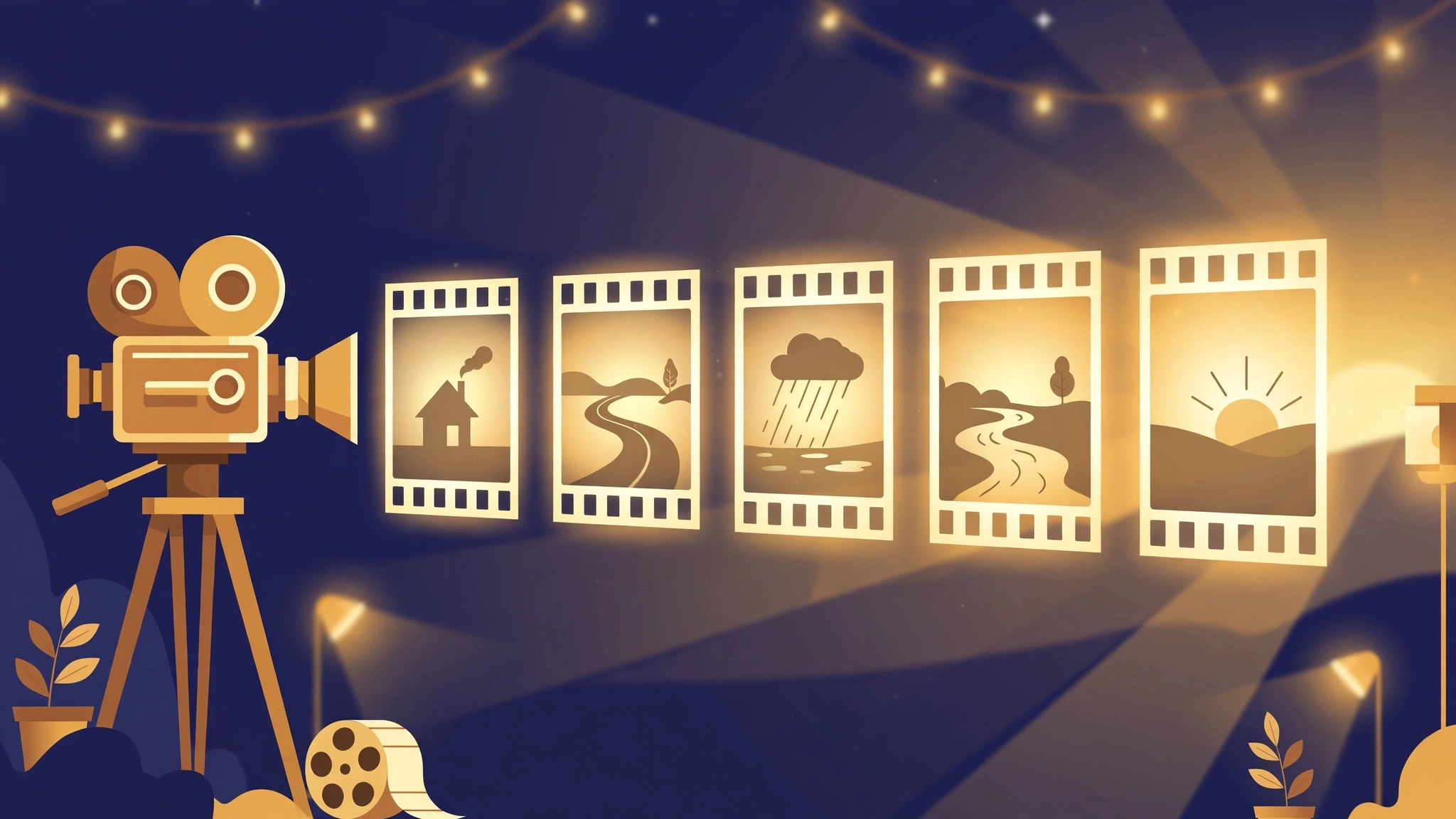
The whole course in brief
- Never prompt a movie. Prompt a shot. A film is scenes, a scene is shots, and a shot is 5 to 10 seconds with one action and one camera move. That is the size an AI video tool can actually deliver.
- Five scenes are enough. Setup, the world opens, the problem, the hard part, the payoff. One sentence each. If you can write five honest sentences, you have a film.
- Characters stay consistent on purpose. Describe your character fully in every prompt, or anchor them with a reference image or character element, and never change their clothes mid-film.
- Generate silent, add sound later. Voiceover, music, and effects belong to the edit, where you control them. The generator's job is pictures.
- Seedance and Google Veo are both fine hammers. The prompt anatomy in this course works in either. Plan on paper first, because credits are real money and retakes are normal.
Eight short lessons. The method comes from real productions at The Studio, where this exact scenes and shots system carries whole films. You will see one, linked in Lesson 2.
1. A film is just scenes, and a scene is just shots
Every beginner makes the same first mistake. They open an AI video tool, type a paragraph describing their whole movie, press generate, and get ten seconds of beautiful nonsense. Then they decide AI filmmaking is a lottery.
It is not a lottery. It is a unit problem. Professional films are not made in one gesture, and neither are AI films. They are made in shots: one camera position, one action, a few seconds long. String shots together and you get a scene: one place, one stretch of story. String scenes together and you get a film.
Do the friendly math. A two minute film at roughly seven seconds a shot is about seventeen shots. Seventeen is a weekend. Seventeen prompts you can write on one page, generate one by one, and fix one by one when a hand grows a sixth finger. That is the entire trick of this course: shrink the unit until it is easy.
Working rules for everything that follows:
- One shot, one action verb, one camera move. "She crosses the room" is a shot. "She crosses the room, opens the box, and cries" is three shots wearing a trench coat.
- Shots are silent. You will add voice and music in the edit, where you can control them.
- Write the whole film on paper before generating anything. Prompts are cheap to change. Credits are not.
Try this today. Watch any film scene you love and count the shots. Notice how often the camera simply holds still, and how rarely one shot tries to do two jobs. That restraint is the whole aesthetic.
2. Your story in five scenes
Your first film does not need sixteen scenes and a subplot. It needs five scenes that each do one job. Here is the starter shape, used by storytellers forever and by our own studio right now:
- Scene 1, The Setup. We meet your character in their normal world, and we like them.
- Scene 2, The World Opens. Something begins: a journey, a discovery, a door opening.
- Scene 3, The Problem. The trouble arrives, clearly and visually.
- Scene 4, The Hard Part. It gets worse before it gets better. This is where feelings live.
- Scene 5, The Payoff. The change lands. The character, or the world, is different now, and we can see it.
Write one sentence per scene, and make each sentence something a camera can see. "She felt sad" is not a scene. "She sat alone in the rain while the truck drove away" is. If a sentence has no picture in it, rewrite it until it does.
For a real example, look at the shooting script for a short film made with this method at The Studio: the Doodle film script. It runs longer than five scenes, but watch its bones: a setup at a desk, a journey, a fall, a long hard stretch, a rescue, a warm payoff. Your five scene version is the same animal, smaller.
Two guardrails. First, keep each scene in one place if you can; every new place costs you consistency work. Second, let the last shot of your film rhyme with the first: same place, same framing, everything changed. Audiences feel that rhyme in their chest.
Try this today. Write your five sentences. Read them to someone and ask what they pictured. If their pictures match yours, your script is already half filmed.
3. Writing shots an AI can actually film
Now break each scene into shots. Most scenes need two to four. The classic pattern, which the Desk scripts use over and over:
- Wide shot: where are we? The whole place, the character small inside it.
- Medium shot: the action. The character doing the one thing this scene is about.
- Close-up: the feeling. A face, a hand, the object that matters.
Write every shot as one sentence in this order: shot size, subject, one action, one camera move. Like this: "Close-up: her finger taps the record button; the camera holds still." Or: "Wide shot: the little robot wades into the river; the camera pushes in slowly." Size words that work: wide, medium, close-up, extreme close-up. Camera words that work: holds still, pushes in, pulls back, pans left or right, tracks alongside, looks down from above.
Then, when you are ready to generate, each shot sentence grows into a paste-ready prompt by adding the same frame around it every time:
- Style line: your film's look in one breath, identical on every prompt. ("Pixar-style 3D animation, 16:9, warm golden light.")
- The shot sentence, expanded slightly with place and light.
- Identity line: who the character is, in fixed words (Lesson 4).
- Silent line: "Silent shot: no audio, no dialogue."
- Avoid line: "Avoid: subtitles, text, watermark." Add whatever went wrong last time.
Save your scripts in this shape and the film becomes a checklist instead of a mood. Here is the whole method on one page, ready to copy:
MY FIRST FILM: (title)
Format: 16:9 | Tool: Seedance or Google Veo
Style line: (your look, one sentence, used on every prompt)
Character: (name) = (age, hair, clothes, one memorable detail)
SCENE 1: THE SETUP. (one sentence)
Shot 1, Wide: ...
Shot 2, Close-up: ...
SCENE 2: THE WORLD OPENS. (one sentence)
Shot 3, Wide: ...
Shot 4, Medium: ...
SCENE 3: THE PROBLEM. (one sentence)
...
SCENE 4: THE HARD PART. (one sentence)
...
SCENE 5: THE PAYOFF. (one sentence)
Final shot rhymes with Shot 1.
Sound plan: voiceover recorded by me / music bed / effects in the edit.
Try this today. Turn Scene 1 of your five sentences into three shot sentences: one wide, one medium, one close. Congratulations, you have a shooting script. It was never bigger than this.
4. Characters that stay themselves
The number one way AI films fall apart is a hero who is a slightly different person in every shot. The tools do not remember your character between generations unless you make them. Three levels of defense, weakest to strongest:
- The identity sentence. Write your character once, in exact words, and paste those words into every single prompt: age, hair, face shape, clothes, one memorable detail. "Tiny round white robot with a small metal hook on her head" survives. "The robot" does not.
- The reference image. Both Seedance (in Dreamina) and Google Flow let you feed images into a generation. Start from a character sheet: one clear image of your character, front on, plain background, full outfit. Generate or draw that first, approve it like a casting director, then reuse it everywhere.
- Character elements. Dreamina lets you save a character as an element and mention it in prompts, which pins the identity harder than words alone. Set this up once per character; it pays off on every shot after.
Wardrobe is continuity's silent killer. Pick one outfit for the film and keep it, the way the Desk scripts describe Sally the same way in all sixteen scenes. If the story truly needs a costume change, make it a scene of its own, so the audience sees the change instead of wondering if this is a new person.
And a Studio scar worth learning from: when a character's look matters, judge generated shots against the character sheet, frame by frame, before you assemble. A face that morphs mid-shot is a reshoot, not a style.
Try this today. Write the identity sentence for your hero. Ten to twenty words, concrete enough that a stranger could pick your character out of a lineup. This sentence is now law.
5. Making the shots in Seedance
Seedance is the video model inside Dreamina (dreamina.capcut.com), and it is the workhorse at The Studio for a reason: it follows shot sentences faithfully and handles character elements well. The workflow, start to finish:
- Set the frame once: 16:9 for a film feel, 720P while you learn (cheaper per attempt), clips of 5 or 10 seconds.
- Start from an image when the shot matters. Generate or pick the exact first frame as a still, then animate it. Image to video gives you composition control that text alone cannot.
- Paste your paste-ready prompt (Lesson 3): style line, shot sentence, identity line or your @character element, silent line, avoid line.
- Generate in story order and keep a shot log: shot number, prompt, take number, keeper or reshoot. Future you, assembling at midnight, will weep with gratitude.
- Expect retakes. Professionals budget for them. A shot that is 90 percent right is often a keeper; a shot with a morphing face or a seventh finger is not, no matter how pretty the light is.
On credits, honesty: Seedance runs on credits, a short clip at 720P costs on the order of one to two hundred, and prices and plans change. Your paper script is what keeps the bill sane: write all the shots first, generate the certain ones, and never improvise expensive prompts at 1 AM. A two minute silent film in this method is very achievable on a modest credit budget precisely because every generation was planned.
Try this today. Generate exactly one shot: your Shot 1 wide. Not the fun one, the first one. A film that has begun is halfway to finished.
6. Making the shots with Google: Veo and Flow
Google's road into AI film runs through Veo, its video model, and Flow, the filmmaking tool built around it (also reachable from the Gemini app for quick tests). Everything from Lessons 1 to 4 transfers unchanged, because the method is the method; only the controls differ.
- Text to video for simple, certain shots: landscapes, objects, wide establishing views.
- Frames and ingredients: Flow lets you give Veo images to build from: a first frame to start from, or ingredient images (your character, a prop, a place) that the shot should contain. This is Google's version of the reference image defense from Lesson 4, and it is the right way to keep a character consistent here.
- Extend instead of regenerating. When a clip is good and you need more of it, extending continues the same shot. Regenerating rolls the dice again on everything.
- Keep the same prompt anatomy. Style line, shot sentence, identity words, silent line, avoid line. Veo responds to plain, concrete description exactly the way Seedance does.
Can you mix tools inside one film? Happily. A Seedance character scene and a Veo landscape will cut together fine if the style line and color feel match, and nobody in the audience can tell which model made which shot. Pick per shot: whichever tool is in front of you, whichever handles that shot's problem better, whichever your credits allow.
Try this today. Take the same shot sentence to both tools and compare the takes like a director, not a fan. Which one followed the camera move? Which one kept the character? That judgment, practiced, is the real skill of AI filmmaking.
7. Sound: the half of the film that is not pictures
Your shots are silent on purpose. Here is where the film gets its voice, in the edit, in this order:
- Voiceover carries the story. The Desk films are narrated: one warm voice telling you what you are seeing and what it means. Record yourself on a phone in a quiet room with soft furniture, or use a good text to speech voice, but decide the exact words at script time. Write narration as part of each scene, the way the Desk scripts carry a VO line above their shots.
- Music sets the temperature. One bed under the whole film, or one per scene at most. It should sit quietly under the voice, always. If you notice the music during a line of narration, it is too loud.
- Effects are seasoning. Rain, footsteps, a door. A few, placed exactly, beat a soundscape everywhere.
- Loudness is a kindness. Narration clearly on top, music clearly under it, nothing peaking into distortion. Listen once on a phone speaker, the way your audience will. If the words survive that, the mix is done.
Why not let the video tools generate the audio too? Because control. A generated voice cannot be directed line by line, and a story lives or dies on its telling. Pictures from the model, voice from you: that division of labor is the professional one at every budget.
Try this today. Record the narration for Scene 1 on your phone, right now, badly. Play it over your Shot 1 take. Even a rough voice turns a clip into a film, and you will feel the exact moment it happens.
8. Edit, premiere, and call it a film
Assembly is mercifully simple when the script did its job. In any editor (CapCut is free and fine, and Starvard's Video Editing 101 goes deeper):
- Lay the shots down in script order, scene by scene. Trim only the dead heads and tails. Resist rearranging; your five scenes already arc correctly.
- Drop the narration under its scenes, then the music bed under everything, then your few effects.
- One title card at the start, credits at the end. Your name, the title, "made with AI video tools" in the credits. Honest and proud.
- Export once at the platform's friendliest settings, watch the whole thing on your phone, fix the one thing that bothers you, export again, stop.
Then the step beginners skip and filmmakers never do: premiere it. Post it somewhere real, send it to three people, and say the sentence out loud: I made a film. It will be imperfect in ways you can list and your audience will never notice, because they were busy feeling something.
That is the whole course. Five scenes, a page of shots, characters that stay themselves, silent pictures, your own voice, one honest export. The tools will keep changing every few months; the structure will not, because the structure is just how films work. Make the small one now, and let the next one be bigger.
Your first film, assigned. This week: five sentences, fifteen shots on paper, one character sheet. This weekend: generate in order, narrate on your phone, assemble, premiere. Then come tell the
Starvard Discord what you made, because first films deserve witnesses.
 Starvard.