 Starvard
Starvard University · Your First Super Mario-Style Game
Your First Super Mario-Style Game
The little platformer you grew up loving, built by you, today: AI writes the code, you pick the faces, and the finished game lives on the web where your friends can play it. Every asset is included.
The whole course in brief
- You are building a real, playable platformer: run, jump, stomp, coins, flag. Ours is called Super E2, and you can play it before you build it.
- There are five honest ways to make a game like this, from a chat window to a real game engine. Pick by how much control you want.
- The fastest path: Claude builds the whole game in one sitting, right in the chat, and hosts it for free.
- Games are made of assets: sprites for characters, tiles for worlds, sounds for joy. The full Super E2 pack is yours to keep.
- Modifying is the real skill: small, clear asks to Claude turn the starter game into your game.
- ChatGPT paints new faces: your friends, your dog, your own hero, in the same pixel style as the cast.
- A game nobody can open is a diary. Host it free, embed it on your site, and send one link.
- Ship it, let friends play it, then remix: new levels, new runners, your name on the title screen.
The eight lessons
Lesson 1
The Game You Are About to Own
A platformer is the friendliest kind of video game ever made: run, jump, land on something, grab the shiny thing, reach the flag. If you grew up in the last forty years, your hands already know how to play one. What you may not know is that in 2026, one person with an AI can build one in an afternoon, and this course walks you through exactly that, with the assets included.
Our example game is Super E2. It was built with Claude by Starvard's founder, Dave, as one of his first games, then shared with our whole community along with its code, with one instruction: modify it, put yourself and your friends in it. Eight runners (Dave, Marty, Jen, Sally, Jah Vibez, Dinesh, Chadwick and Mike), critters to stomp, coins to grab, a flag to reach. That spirit is the course: start from a working game, then make it yours.
The starter game, playable right here. On a keyboard: arrows to move, Space to jump. Open it full screen.
By the end you will have: a playable game with your name on it, characters you chose or painted, a link you can send to anyone, and the one skill that matters most in the AI age, which is not coding. It is describing what you want clearly enough that a machine builds it, then judging what comes back. Games are just the most fun way to learn it.
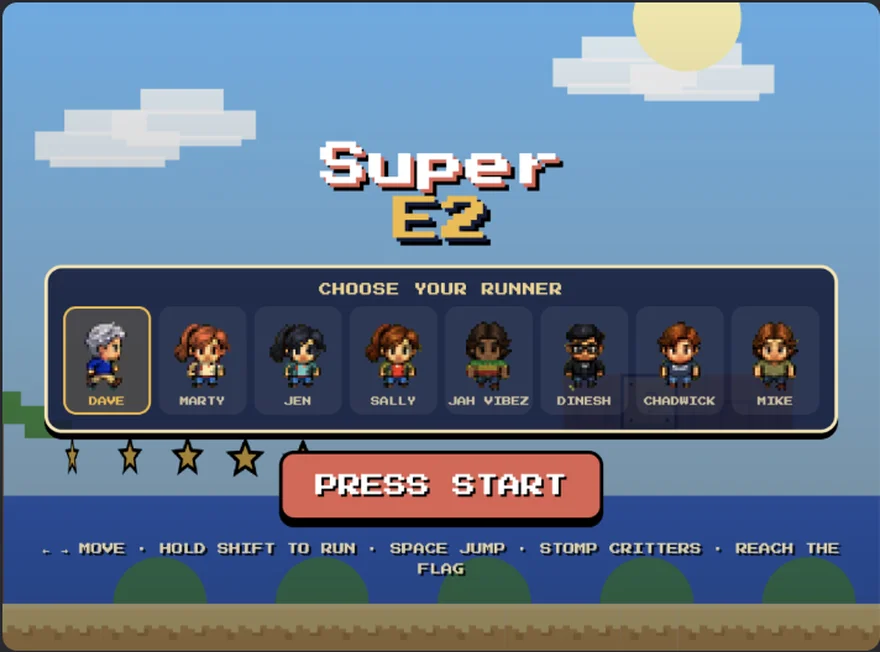
Super E2, the game this course is built around. One of Dave's first games, made with Claude and shared with its code.
Lesson 2
The Five Ways to Make a Game Like This
Before we build, the map. There are five honest ways to make a platformer in 2026, and they differ in one trade: control versus convenience. The chat window is the most convenient and the least powerful; the game engine is the reverse. None of them is cheating and none is the one true way; working game designers move between them constantly.
Free to startDescribe the game, Claude writes it in one file, and the artifact link IS the hosting. Zero setup, zero installs. Limits: one file, and very big games outgrow it.
Best first game, full stop.
Claude Pro, $20/moThe same brain, working in your real files. It can split the game into pieces, add sound files and sprite folders, and keep building for hours.
When game one works and game two gets ambitious.
Free tiers, then ~$20/moType the idea, get a running web app with hosting included. Fast and pretty; the code is real but the tools are aimed at apps first, games second.
Good if you think in pages, not code.
Free tiersDrag scenes together, attach behaviors (jump, patrol, collect) from menus, export to the web. Nobody writes code; somebody still designs the game.
For visual thinkers and classrooms.
Free forever, open sourceThe professional path: a real editor, real scenes, exports everywhere including phones and consoles. Steeper first week, unlimited ceiling.
The second or third game, when you are hooked.
This course takes Way 1 as the main road (Claude in the chat), because it gets a playable game in front of you today, and everything you learn there (describing, iterating, assets, hosting) transfers to the other four. If you already code, skim ahead: Way 2 with the starter file in Lesson 4 is your on-ramp.
Lesson 3
Build It in Claude in One Sitting
Open Claude (the free tier is fine for a first game) and paste this prompt. It is not magic; it is specific. It names the controls, the verbs (stomp, collect), the win condition, the style, and the one feature beginners forget, a title screen with a choice in it.
“Build me a Super Mario style platformer in a single HTML file. A character who runs with the arrow keys, jumps with Space, stomps enemies for points, collects coins, and wins by reaching a flag. Pixel art style, blue sky, green hills. Let me pick between a few different characters on a title screen.”
What comes back is a game in a single file, living in an artifact: a page Claude hosts for you, free, with its own link. Play it immediately, all the way to the flag or the game over screen. Then iterate, one change per message: 'make the hills rounder', 'add three more coins before the flag', 'the jump feels floaty, make it snappier'. Every change is a new version, and the old ones stay saved, so experimenting is free of fear.
Notice what you are practicing: short, observable requests, tested the second they land. That loop, describe, play, adjust, is not a Claude trick. It is how every game you have ever loved was actually made, just at one hundredth the team size. Lesson 5 turns the loop into a system; first, meet the pieces games are made of.
Lesson 4
Meet the Assets: Sprites, Tiles and Sounds
Games look hand-made because they are assembled from small made things called assets. A sprite is a character's picture. A sprite sheet is many sprites in one image file, sliced by the code: our runner strip holds eight portraits in a row, and the game cuts out the one you picked. Tiles are the repeating blocks the world is built from (grass, dirt, brick). Sounds are the jumps, coins and stomps that make a game feel alive. Code is only the stage; assets are the actors and the scenery.
Here is the complete Super E2 pack, free for every student in this course: the runner strip, every runner as a card, the title art, and the starter game file itself. Download them all. These are yours to remix, and when Dave's full sprite set drops, this is the page it lands on.

The runner strip: all 8 Super E2 characters in one sprite sheet (768 x 96). Swap this one image and the whole cast changes.runner-dave.png
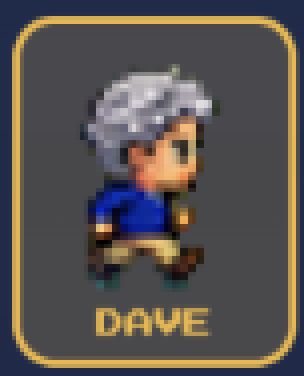
Runner card: Daverunner-marty.png
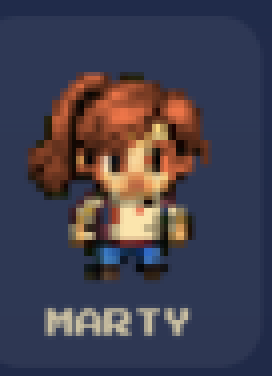
Runner card: Martyrunner-jen.png
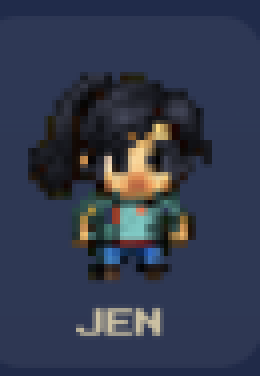
Runner card: Jenrunner-sally.png
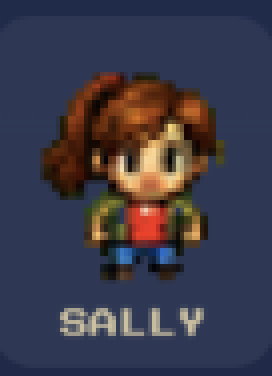
Runner card: Sallyrunner-jahvibez.png
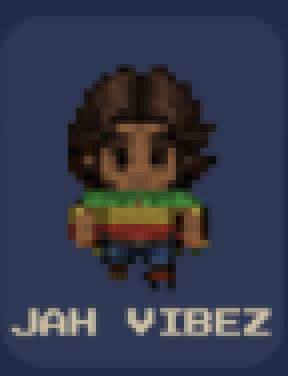
Runner card: Jah Vibezrunner-dinesh.png
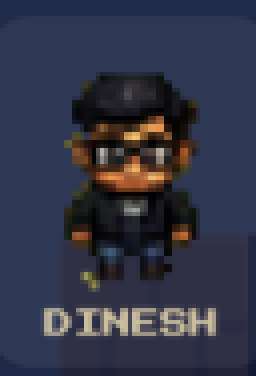
Runner card: Dineshrunner-chadwick.png
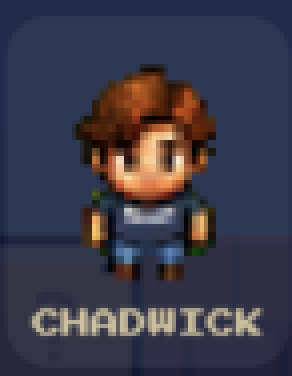
Runner card: Chadwickrunner-mike.png
Runner card: Mikesuper-e2-title.png
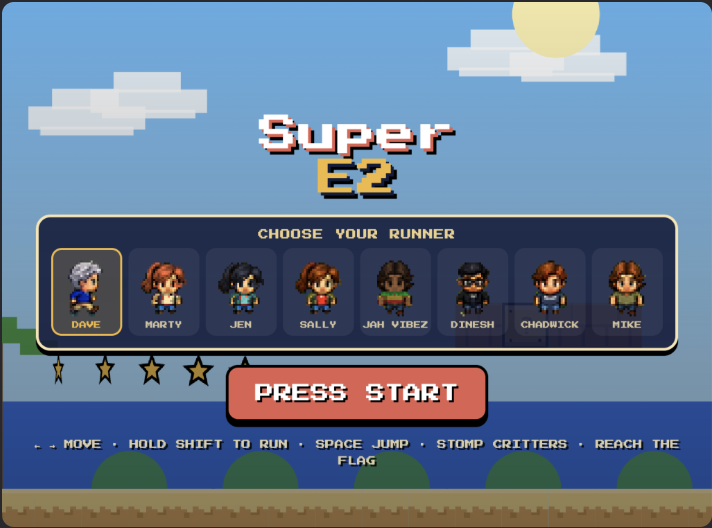
The Super E2 title screen art, for your own title screen or poster.starter-game.html
The starter game itself: the exact file running in the demo above. Download it, open it, hand it to Claude.
Two habits keep assets painless. First, keep originals: never edit your only copy of a sprite. Second, respect licenses beyond this course: the web is full of generous free packs (search 'free platformer assets'), each with its terms; a line of credit in your game is the polite standard. Our pack carries no such homework: it is a gift, use it anywhere.

The runner strip: eight portraits, one image file. The code slices out whichever runner you pick.
Lesson 5
Make It Yours with Claude
Modifying is where the starter game becomes your game, and it is a learnable formula: name the thing, name the change, name the amount. 'Gravity' plus 'weaker' plus 'about half' gets you floating moon jumps in one message. The starter file is commented for exactly this: search it for GRAVITY, JUMP, CRITTER SPEED and LEVEL, and you are reading the game's control panel.
A menu of first remixes, in order of joy per minute: swap in your favorite runner (Lesson 6 paints new ones). Make jumps floatier or snappier. Add a double jump. Paint a night level with the same code and darker colors. Add a timer and race your friends. Make one critter huge and call it a boss. Every one of those is a single clear sentence to Claude, and together they are a portfolio.
Work like a designer: keep a tiny list of changes you want, do them one at a time, and play after each. When a change breaks something (it will), say what you saw, not what you think the code did: 'after the double jump, I fall through the second platform' fixes more bugs than any theory. Broken, described well, fixed: that is the whole craft.
Lesson 6
New Faces with ChatGPT
The cast of Super E2 is eight friends. Your cast should be yours, and ChatGPT is the portrait studio. The workflow: take a clear, front-facing photo (yours, a friend's, with their blessing), and ask ChatGPT to redraw it as a game sprite with one consistent recipe, so every portrait matches: same style words, same size, same simple background.
The recipe that built our cast's look: 'Convert this photo into a cute pixel art game character portrait, front facing, head and shoulders, big readable features, flat colors, dark navy background, square format, video game character select style.' Run every face through that same prompt, drop each result into a cell of the runner strip (the starter file shows the layout: eight squares in a row), and your friends are in the game.
ChatGPT also paints the rest of the world: a title screen in the same style, a sunset background, a flag with your team's mark. One warning from experience: ask for one asset per image, keep the style sentence identical across all of them, and regenerate the odd one out rather than accepting a cast that does not match. Consistency is what makes it look like a game instead of a collage.
Lesson 7
Put It on the Web
A game nobody can open is a diary. The good news: a single-file game is the easiest thing on Earth to publish, and every door is free. Door one: the Claude artifact itself. The link Claude gives your game IS a published page; send it to anyone and they are playing in seconds. For most first games, stop here and celebrate.
Door two: your own website. Download the game file (ours from Lesson 4, yours from Claude), upload it to any site you control, and it is live at your address, next to your name, forever. Want it inside an existing page instead? One iframe line embeds it, the same way this course embeds the demo in Lesson 1.
Door three: a free static host. Cloudflare Pages, Netlify and GitHub Pages all publish a file like this for zero dollars, with a real link you can share anywhere (drag the file onto Netlify's drop page and you are done in under a minute). Whichever door you pick, the ritual is the same: open the link on your phone, play one level, then send it to one friend. A game with one player is published; a game with zero is a draft.
Lesson 8
Ship It, Share It, Remix It
Super E2's launch was one post in our Discord: the game, the code, and an invitation to remix it. Copy that launch. Post your link where your people are, include the file, and say the words that turn players into builders: 'put yourself in it.' The first friend who ships a remix of YOUR game teaches you more than ten tutorials.
Then keep going, in any order: a second level with a new tile set. A theme song (Suno writes a catchy chiptune in one prompt, and ElevenLabs can voice a tiny announcer). A high score table with your friends' names. A winter version with snow tiles and slippery landings. Each is one lesson's worth of asks, and the starter file plus this course's assets grow with you.
And notice what you now own, beyond the game: proof that you can describe something into existence, judge the result, and ship it to the world for free. That is the most valuable skill of the decade, and you learned it by making a tiny hero jump on a critter. There are worse ways to change your life.