 Starvard
The Best Free and Open Source Music Production Tools, and Who Each One Suits
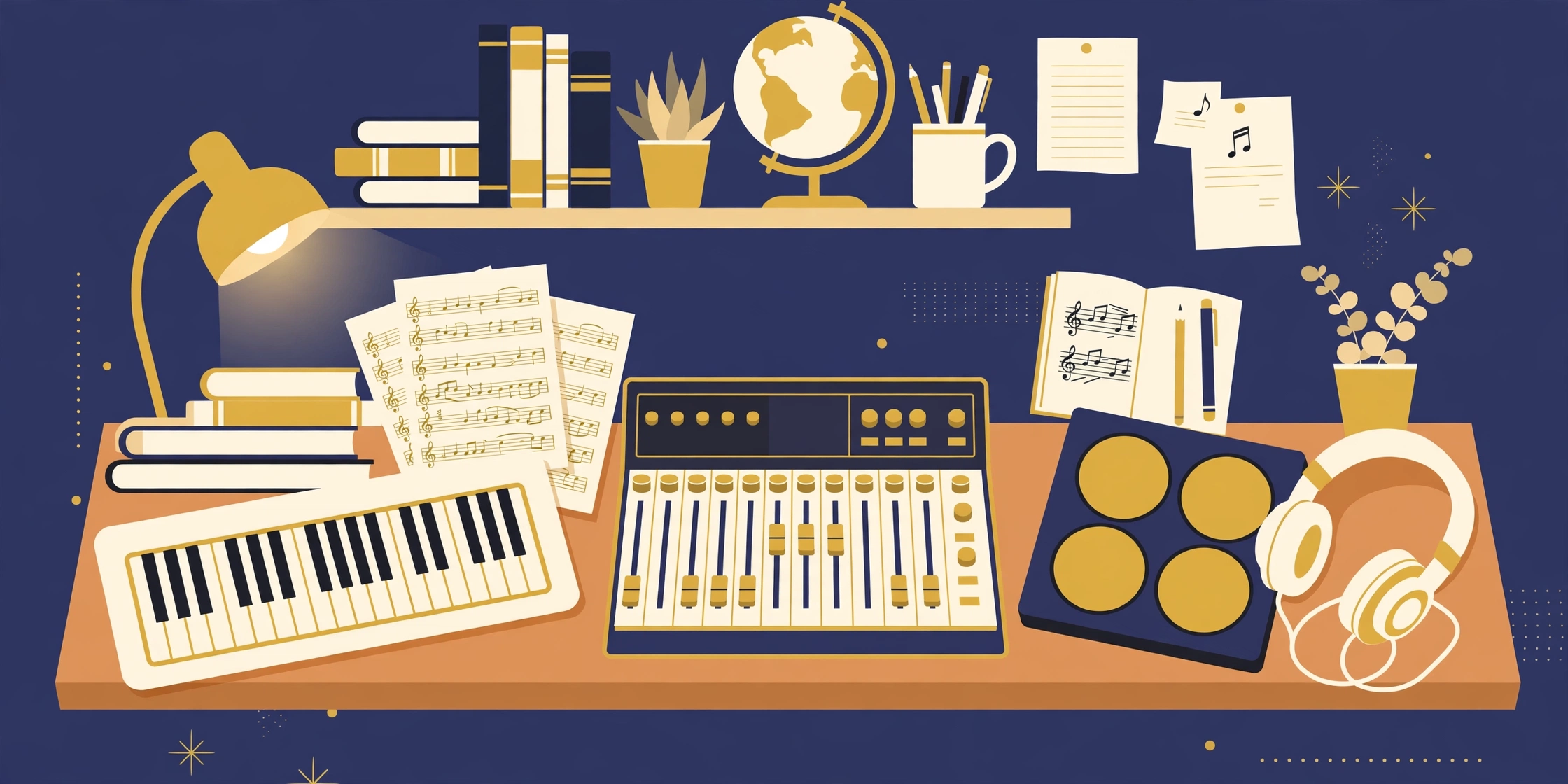
You do not need to spend hundreds of dollars to start making music on a computer. Some of the most capable recording, editing, and production tools in the world are free and open source, built by communities who believe music software should be open to everyone.
Open source means the code behind the program is public. Anyone can inspect it, improve it, and share it. For you as a musician, the practical benefits are simple. The tools are free to download, they do not lock you into a subscription, and they keep working even if a company changes its prices or shuts down.
The challenge is knowing where to start. This guide walks through the strongest options by job, so you can pick the right tool for the music you want to make.
For full recording and mixing: Ardour
If you want a complete digital audio workstation, usually called a DAW, Ardour is the place to start.
Ardour is built for recording live instruments and vocals, editing takes, arranging songs, and mixing a finished track. It supports multitrack recording, which means you can record a guitar on one track, a vocal on another, and drums on a third, then balance them together. It includes faders, panning, automation, and support for plugins in common formats like VST, LV2, and Audio Units on Mac.
Who it suits: Singer songwriters, bands, podcasters who want proper editing, and anyone learning how a professional recording session works. It runs on Linux, Windows, and macOS. The source code is free, and the ready made installers from the Ardour website ask for a small contribution, though you can choose what to pay.
Learning tip: Start by recording just two tracks and learning to cut, move, and fade clips. Those three skills carry most of a real project.
For beats and electronic music: LMMS
LMMS started as a free alternative to popular beat making software, and it has grown into a solid studio for electronic music, hip hop, and loop based production.
It comes with a song editor, a beat and bassline editor, a piano roll for writing melodies, and a mixer. It also includes built in instruments and effects, so you can make a complete track without buying anything else. You can load samples, draw in drum patterns step by step, and automate changes over time.
Who it suits: Beginners making their first beats, electronic producers, and anyone who likes building songs from loops and patterns. It runs on Linux, Windows, and macOS and is completely free.
Learning tip: Make a short loop first, just drums and a bassline. Once that sounds good, copy it, change one element, and you have the start of a song structure.
For quick recording and editing: Audacity and Tenacity
Sometimes you do not need a full studio. You just need to record something, clean it up, and export it. That is where Audacity shines.
Audacity is one of the best known open source programs in the world. People use it to record voiceovers, digitize old recordings, trim interviews, remove background noise, change speed or pitch, and convert files between formats like WAV, MP3, and FLAC. It is not designed for building songs track by track the way Ardour is. It is designed for fast, direct editing of audio files.
Tenacity is a community fork of Audacity, meaning it started from the same code and is maintained by a separate team with a focus on privacy and community governance. It offers a similar editing experience.
Who they suit: Podcasters, teachers, students, voice actors, and musicians who need to clean up a recording quickly. Both run on Linux, Windows, and macOS.
Learning tip: Learn noise reduction and normalization early. Those two tools alone will make home recordings sound far more polished.
For writing sheet music: MuseScore Studio
If you read or write notation, MuseScore Studio is remarkable. It is a free and open source program for creating sheet music, from a single melody line to a full orchestra score.
You can enter notes with a mouse, a computer keyboard, or a MIDI keyboard, hear playback as you write, and export clean, professional looking scores as PDFs. It also exports MusicXML and MIDI, so your work can move into other programs. The linked MuseScore website also hosts a large library of scores shared by other musicians, though you should always check the license on any score you download.
Who it suits: Composers, arrangers, music teachers, students, choir and band leaders, and anyone preparing parts for real players.
Learning tip: Start by copying a short piece you know well. Rebuilding familiar music teaches you the shortcuts faster than any tutorial.
For drums: Hydrogen
Hydrogen is an advanced drum machine built for creating realistic and electronic drum patterns. You build patterns step by step, arrange them into a song, adjust the feel with humanization and swing controls, and use different drum kits or load your own samples.
Who it suits: Songwriters who need a drum track to write over, electronic producers, and guitarists who want practice backing tracks that actually groove. It runs on Linux, Windows, and macOS.
For synthesis and sound design: Surge XT, Dexed, and ZynAddSubFX
A DAW gets much more powerful when you add instruments. These three synths are free, open source, and genuinely excellent.
Surge XT is a hybrid synthesizer with a huge range of sounds. It can do warm analog style pads, sharp digital leads, basses, and experimental textures. It comes with a large preset library, which makes it friendly for beginners, and deep controls for people who want to design sounds from scratch.
Dexed is a faithful recreation of a classic FM synthesizer from the 1980s, modeled on the Yamaha DX7. FM synthesis is how many famous electric piano, bell, and bass sounds were made. Dexed can even load original DX7 patches, tens of thousands of which are shared freely online.
ZynAddSubFX, also available in a form called Yoshimi on Linux, is known for rich, layered pads and complex sounds built by stacking different synthesis methods together.
Who they suit: Anyone making electronic, pop, game, or film music who wants professional sounds without paying for commercial plugins. All three work as plugins inside a DAW like Ardour, and some also run on their own.
For hosting plugins: Carla
As your collection of free instruments and effects grows, Carla helps you use them together. It is a plugin host from the KXStudio community that can load many plugin formats, connect them in flexible ways, and even run inside another DAW as a bridge. It is a specialist tool, but for Linux musicians in particular, it solves a lot of practical problems.
How to choose your first setup
If you are not sure where to begin, use this simple guide.
Choose Ardour if you record real instruments or voices and want to mix songs.
Choose LMMS if you make beats and electronic music from loops and samples.
Choose Audacity if you mainly record and edit single files, like voice or interviews.
Add MuseScore Studio if you work with sheet music, Surge XT if you want one great all round synth, and Hydrogen if you want dedicated drums.
You can also combine them. Many people write notation in MuseScore Studio, export the MIDI, produce the track in Ardour or LMMS, and use Audacity for final trims. Because the tools are free and use open formats like WAV, MIDI, and MusicXML, your work is never trapped in one program.
A final encouragement
Every tool in this list is used by real musicians to release real records. The limit is not the software. Pick one tool that matches the music in your head, finish one small song with it, and then decide what you need next. Finishing teaches you more than collecting plugins ever will.
If you are building a home studio on a budget, open source is not a compromise. It is one of the smartest places to start.